Private by design
The editor runs on your device. Photos are never uploaded, there is no tracking, and your recent work is saved only in your own browser.
Free photo editor · runs in your browser
Grainhouse gives you layers, film looks, darkroom tools and step-by-step recipes, without the clutter. No ads, no sign-up, and nothing you open is ever uploaded.
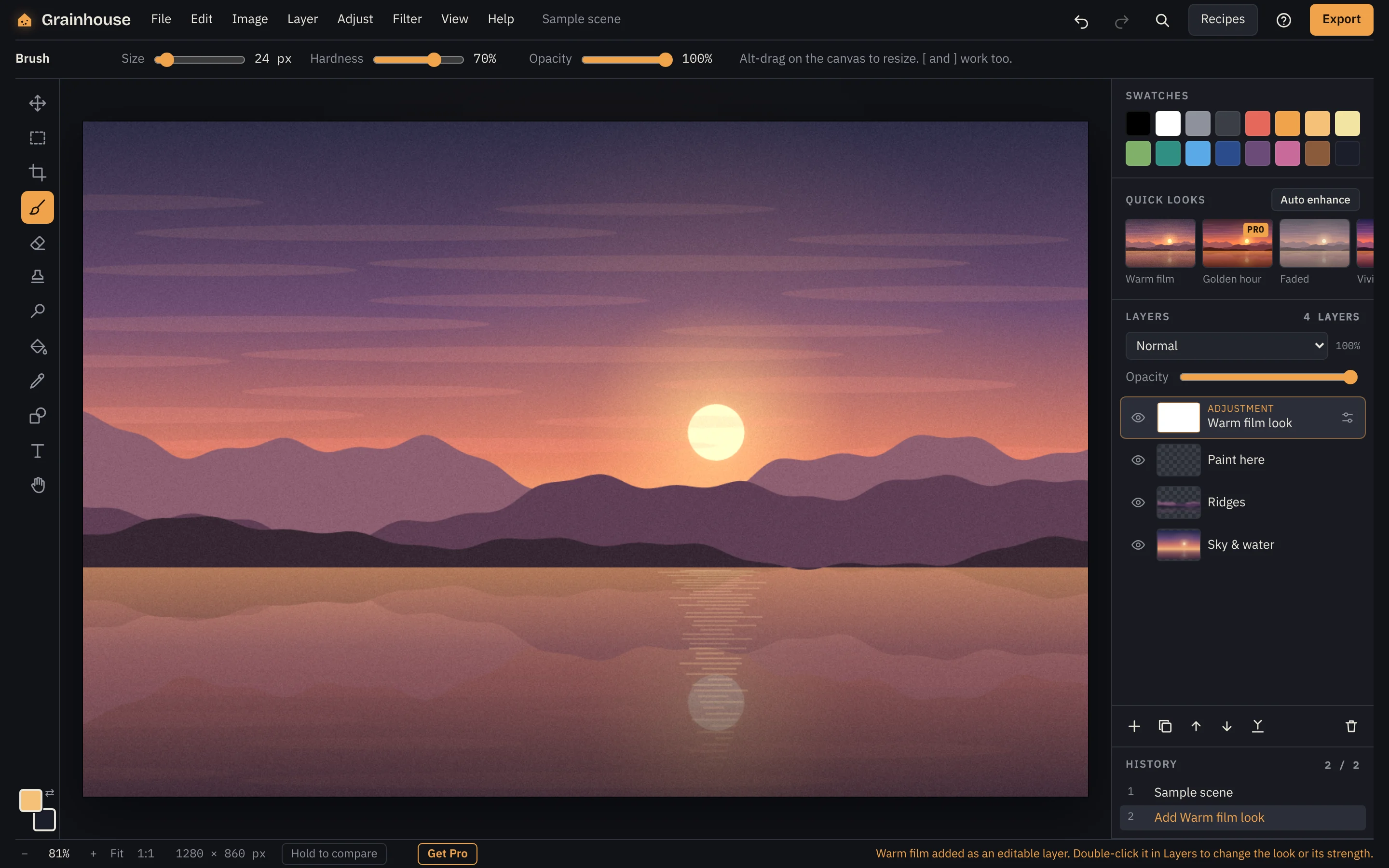
Grainhouse borrows its ideas from the darkroom: looks that behave like film, tools printers used for a century, and a quiet workspace that stays out of the way.
The editor runs on your device. Photos are never uploaded, there is no tracking, and your recent work is saved only in your own browser.
Warm film, Faded, Mono and more. Hover to preview on your picture, click to keep. Every look stays editable, with a strength slider.
Fix a dark photo, make a profile picture, remove a small spot. Step-by-step guides open the right tool with sensible settings.
Brightness, color, blur and looks sit on adjustment layers. Tweak them any time, or paint where they apply.
Dodge and burn to lighten faces and deepen skies. Clone stamp to hide blemishes and dust. Brushes, shapes, text and crop.
Add Grainhouse to your computer or phone like an app. It keeps working on a train, a plane or a bad connection.
Most free online editors pay for themselves with ads or uploads. Most powerful ones need a subscription. Grainhouse does neither.
| What you get | Grainhouse | Typical free online editor | Typical subscription editor |
|---|---|---|---|
| Ads while you edit | None | Often | None |
| Account to start | Not needed | Sometimes | Required |
| Where photos go | Stay on your device | Often uploaded | Often synced to a cloud |
| Help for beginners | Guided recipes | Rarely | Tutorials elsewhere |
| Price | Free, or Pro once | Free with ads | Monthly fee |
The full editor is free for everyone. Pro is a one-time purchase that adds extra looks and export options, with no subscription.
Yes. The full editor is free, with no ads and no time limit. Pro is optional and adds extra looks, more saved edits and more export choices.
Only on your device. Grainhouse runs in your browser and never uploads your pictures. Your recent edits are saved in your browser’s own storage, and you can clear them from the start screen.
Yes. After your first visit, install Grainhouse from your browser’s menu (“Install app” or “Add to Home Screen”) and it opens without a connection.
Recent versions of Chrome, Edge, Firefox and Safari on Windows, Mac, Linux, Android, iPhone and iPad. A computer or tablet is most comfortable; phones work too.
After you buy, you get a license key by email. Paste it into Grainhouse on each device or browser you use. There is nothing to sign in to.
Yes. If Pro isn’t right for you, email hello@grainhouseapp.com within 14 days of buying for a full refund.
Open the editor, drop in a picture, and try a film look. It takes about ten seconds.